Générateur de Publicités UGC

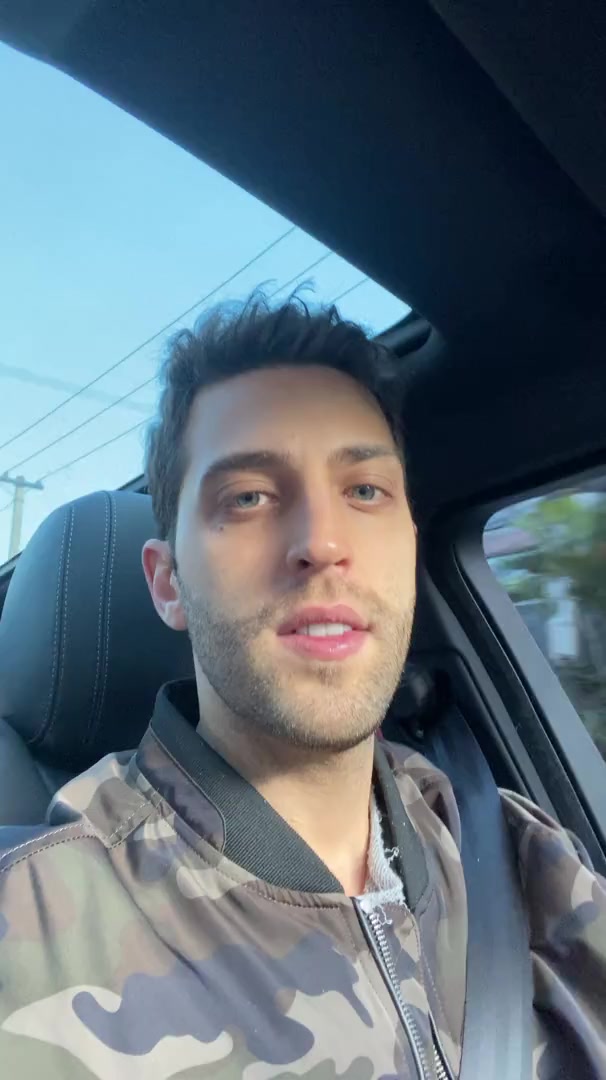
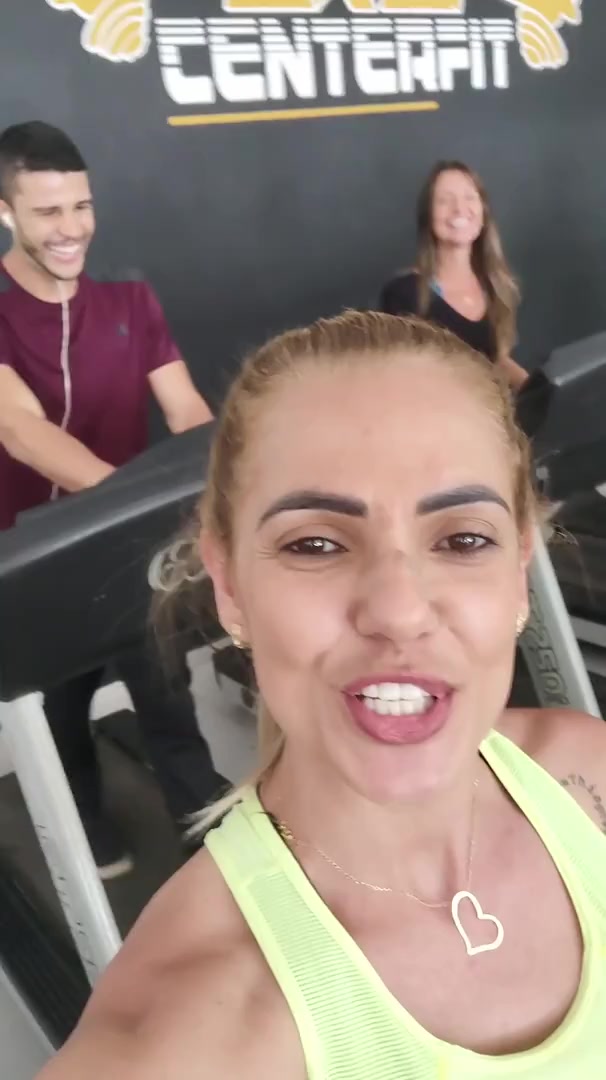
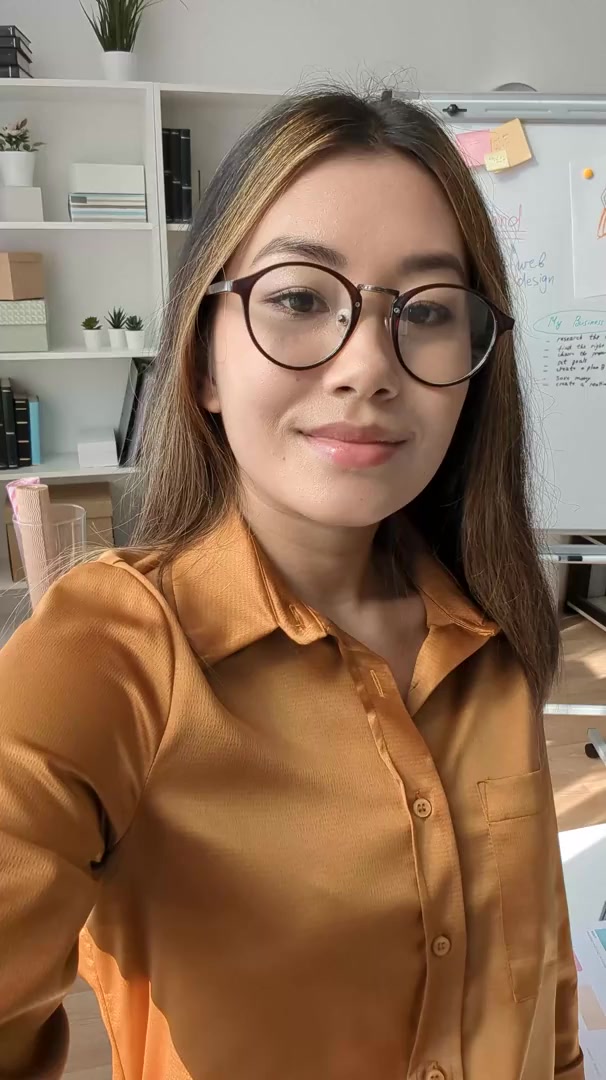
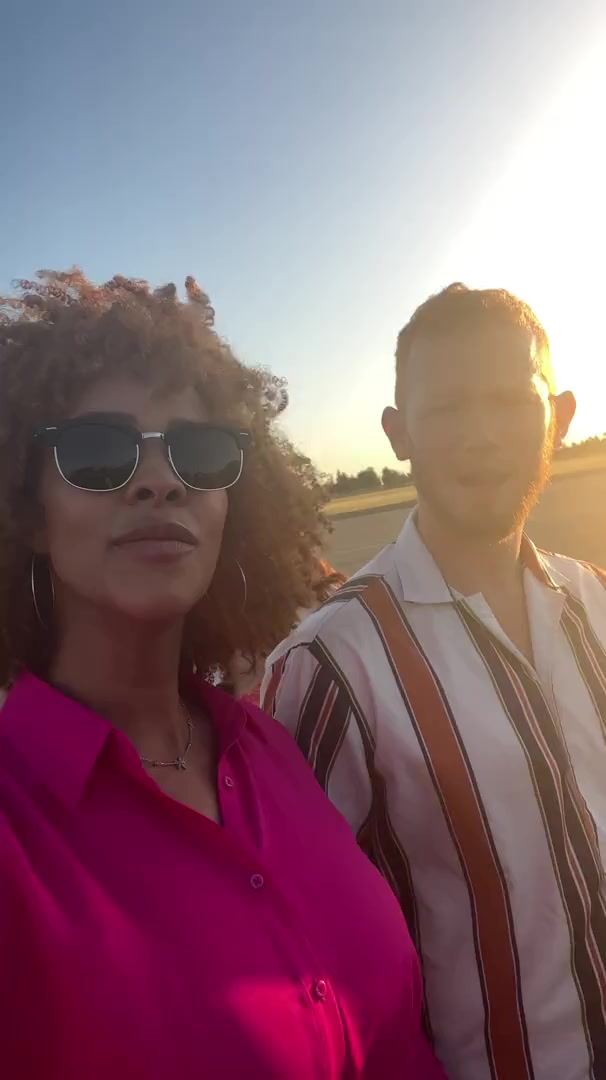
Générez des publicités UGC d'apparence authentique qui convertissent. Créez du contenu de style généré par les utilisateurs pour votre marque sans embaucher de créateurs.

Votre Script Vidéo
💡 utilisez un lien vers un tweet, une publication LinkedIn ou un article de blog et nous récupérerons magiquement le contenu
afficher l'aide
Nombre de mots : 0
Durée estimée de la vidéo : 0 secondes
Sélectionnez une Vidéo d'Arrière-plan
Satisfaisant
UGC
Subway S.
Minecraft
Fortnite
Trackmania
Espace
Abstrait
thumbnail
thumbnail
thumbnail
thumbnail
thumbnail
thumbnail
thumbnail
thumbnail
thumbnail
thumbnail
thumbnail
thumbnail
thumbnail
thumbnail
thumbnail
thumbnail
thumbnail
thumbnail
thumbnail
thumbnail
thumbnail
thumbnail
thumbnail
thumbnail
thumbnail
Sélectionnez une Voix ou Enregistrez-vous
Loading...
Want to create/clone a custom voice or add one from ElevenLabs?

959 personnes ont utilisé cet outil ces dernières 24h
Commencez gratuitement.(pas de carte bancaire requise)

ou explorez nos plus de 42 outils pour créer exactement la vidéo que vous souhaitez

Explorer nos outils

How to Turn Music into Video in 3 Simple Steps

1 Upload your music track

Start by uploading your audio file to our Music to Video converter. We support various audio formats including MP3, WAV, and more. Our AI will analyze your track to create a perfectly synchronized video experience.

2 Choose your visual style

Select from multiple visual options to complement your music. Choose between stock videos, AI-generated visuals, or moving AI images. You can also enable the sound wave visualization to add a dynamic audio representation that pulses with your music's beat.

3 Generate and customize your video

Click 'Generate Video' and watch as our AI transforms your music into a stunning visual experience. Once created, you can further personalize your video using our built-in editor. Add text overlays, adjust transitions, or fine-tune the visuals to match your creative vision before downloading.

Outils

Outils Vidéo IA Gratuits

Choisissez l'outil approprié, fournissez votre contenu, et vous créerez une vidéo en un rien de temps - personnalisez-la comme vous le souhaitez.

Générateur de Vidéos TikTok IA

Convertissez instantanément du texte en vidéos TikTok virales et tendance

Essayez-le

Ajouter des Sous-titres à la Vidéo

Générez des sous-titres dans plus de 100 langues avec l'IA

Essayez-le

PDF en Vidéo Brainrot

Transformez vos PDFs en vidéos virales à défilement rapide qui captent l'attention

Essayez-le

Texte en Vidéo Brainrot

Créez du contenu viral à défilement avec effets visuels captivants à partir de texte

Essayez-le

Créateur de Clips YouTube

Convertissez des vidéos Youtube en contenu court et digeste

Essayez-le

Avatar Parlant IA

Créez des avatars parlants réalistes à partir de texte en quelques secondes

Essayez-le

Générateur de Vidéo Podcast

Transformez vos podcasts en contenu vidéo visuellement attrayant

Essayez-le

Créateur de Films IA

Créez des vidéos de qualité studio à partir de texte, sans tournage nécessaire

Essayez-le

Audio en Vidéo

Créez des vidéos attrayantes à partir de vos podcasts, interviews ou autres contenus audio

Essayez-le
Voir tous les outils
Comment ça marche

Quatre Étapes Simples Pour Créer et Partager Votre Histoire

1

Inspirez-vous du contenu viral

Vous cherchez des idées d'histoires ? Notre IA trouve du contenu tendance et vous aide à le transformer en vos propres vidéos - sans essais et erreurs.

  • Découvrez quels types d'histoires fonctionnent actuellement
  • Inspirez-vous des créateurs à succès
  • Transformez vos idées en histoires que les gens veulent entendre
Inspirez-vous du contenu viral
2

Narration pour Captiver votre Public

Revid.ai comprend ce qui rend les vidéos virales et utilise les mêmes méthodes éprouvées pour écrire vos scripts.

  • Écrivez votre script ou dites à notre IA de quoi vous voulez parler
  • L'IA trouvera du contenu pertinent pour vous inspirer
  • Déposez n'importe quel lien et il sera automatiquement analysé et formaté pour une vidéo
Narration pour Captiver votre Public
3

Des Vidéos Que Vous ADOREREZ Regarder

Créez des vidéos parfaites, partagez instantanément et développez votre entreprise.

  • Regardez vos mots devenir une vidéo professionnelle
  • Configurez la création automatique de vidéos à partir de votre contenu
Des Vidéos Que Vous ADOREREZ Regarder
4

Publiez sur TikTok, YouTube, Instagram et plus...

Atteignez un public plus large en partageant votre vidéo sur vos plateformes sociales préférées

    Publiez sur TikTok, YouTube, Instagram et plus...
    revid.ai logo

    Votre raccourci vers la narration vidéo sans effort.

    FAQs

    Questions Fréquemment Posées

    What is the Music to Video converter?
    The Music to Video converter is an innovative tool that transforms your audio tracks into captivating videos. Simply upload your music file, and our AI will create a synchronized visual experience that complements your audio. Whether you're a musician wanting to share your latest track on social media, a content creator needing background visuals, or just someone who wants to turn favorite songs into videos, our tool makes the process quick and effortless.
    What types of music files can I upload?
    Our Music to Video converter supports all common audio formats including MP3, WAV, M4A, AAC, FLAC, and OGG. The maximum file size is 100MB, which accommodates most songs and audio tracks. For optimal results, we recommend using high-quality audio files with clear sound, as the visual elements will be synchronized with the audio patterns detected by our AI.
    What visual styles are available for my music video?
    We offer three distinct visual styles to match your music: Stock videos pulls from our extensive library of high-quality footage; AI-generated visuals creates unique content based on your music's mood and rhythm; and Moving AI images produces animated still images that evolve with your track. Each option uses 1 credit per video, except for AI-generated visuals which requires an additional credit due to the advanced processing involved.
    What is the sound wave visualization feature?
    The sound wave visualization is an optional feature that adds a dynamic audio waveform overlay to your video. This visual element pulses and moves in perfect synchronization with your music's beat and intensity, creating a professional audio-reactive effect. It's particularly effective for electronic music, podcasts, or any content where you want to emphasize the audio component. You can toggle this feature on or off depending on your creative preference.
    How long does it take to convert music to video?
    Most music tracks are converted to video within 2-5 minutes, depending on the length of your audio file and the visual style selected. AI-generated visuals may take slightly longer due to the complex processing involved. You'll receive a notification when your video is ready, and you can then preview, edit, and download it from your dashboard. For longer tracks (over 10 minutes), processing time may extend to 10-15 minutes.
    Can I edit the video after it's been generated?
    Absolutely! Once your music video is generated, you'll have access to our full-featured editor where you can make various adjustments. Add text overlays, trim sections, adjust visual transitions, change colors, and more. The sound wave visualization can also be customized with different colors and styles. Our goal is to give you a great starting point with the AI generation, then let you add your personal touch to make the video truly yours.
    What aspect ratio will my music video have?
    By default, our Music to Video converter creates videos in a 9:16 vertical format, which is ideal for platforms like TikTok, Instagram Reels, and YouTube Shorts. This portrait orientation maximizes screen space on mobile devices where most short-form content is consumed. If you need a different aspect ratio for your project, you can adjust this in the advanced settings before generating your video.
    How does the AI choose visuals for my music?
    Our sophisticated AI analyzes various aspects of your music including tempo, rhythm, frequency patterns, and energy levels. For stock videos, it selects clips that match the mood and pace of your music. With AI-generated visuals, it creates custom content based on the emotional qualities it detects. The AI even synchronizes visual transitions with beat drops and key moments in your track, creating a cohesive audio-visual experience that feels professionally produced.
    Can I use these videos commercially?
    Yes, all videos created with our Music to Video converter can be used for commercial purposes under our standard license. This includes social media content, advertisements, websites, and presentations. However, please note that while our tool creates the visuals, you must ensure you have proper licensing for the music you upload. If you're using copyrighted music, you'll need appropriate licenses for your intended use. We offer a selection of royalty-free tracks if you need music with commercial rights included.
    How many credits does it cost to convert music to video?
    Converting music to video requires 1 base credit, plus an additional credit if you choose the AI-generated visuals option. The stock videos and moving AI images options are included in the base credit cost. Your available credits depend on your subscription plan. Free users receive a limited number of credits to start, while paid plans offer more monthly credits. Visit our pricing page to see the different plans and find the one that best suits your needs.
    Can I upload my own images to use in the music video?
    Currently, our Music to Video converter focuses on creating videos using our stock library and AI-generated content. However, once your video is generated, you can use our editor to incorporate your own images if desired. For projects requiring extensive use of custom images, we recommend first creating your base video with our tool, then enhancing it with your personal content in the editing phase.
    Is there a limit to how long my music track can be?
    While there's no strict limit, our Music to Video converter works best with tracks between 30 seconds and 10 minutes in length. For optimal results on social media platforms, we recommend focusing on tracks under 3 minutes, as this aligns with typical engagement patterns on platforms like TikTok, Instagram, and YouTube Shorts. Longer tracks will process successfully but may require additional processing time.