Generador de Anuncios UGC

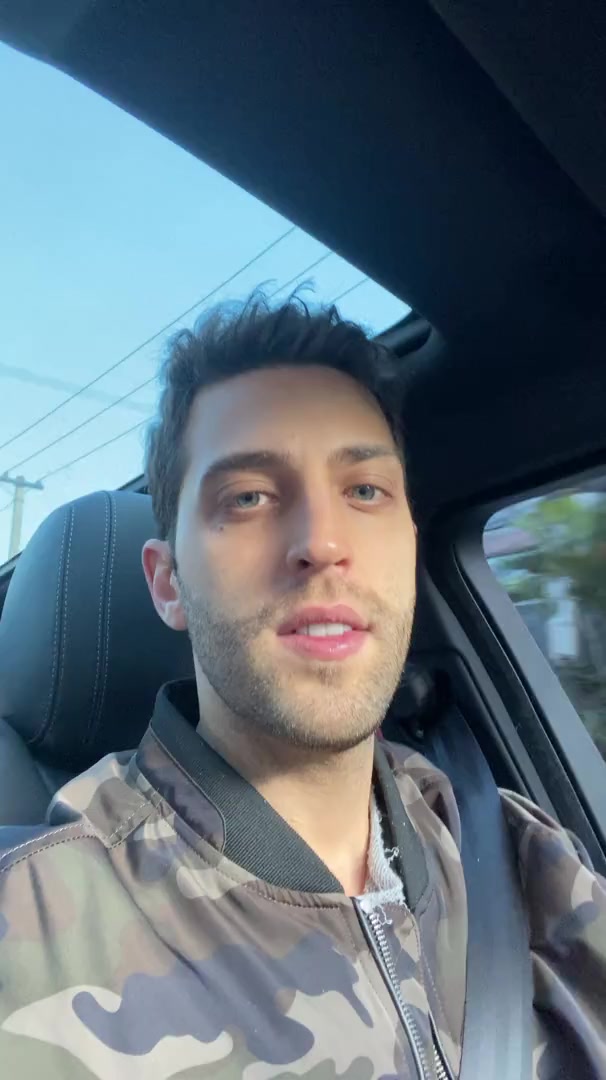
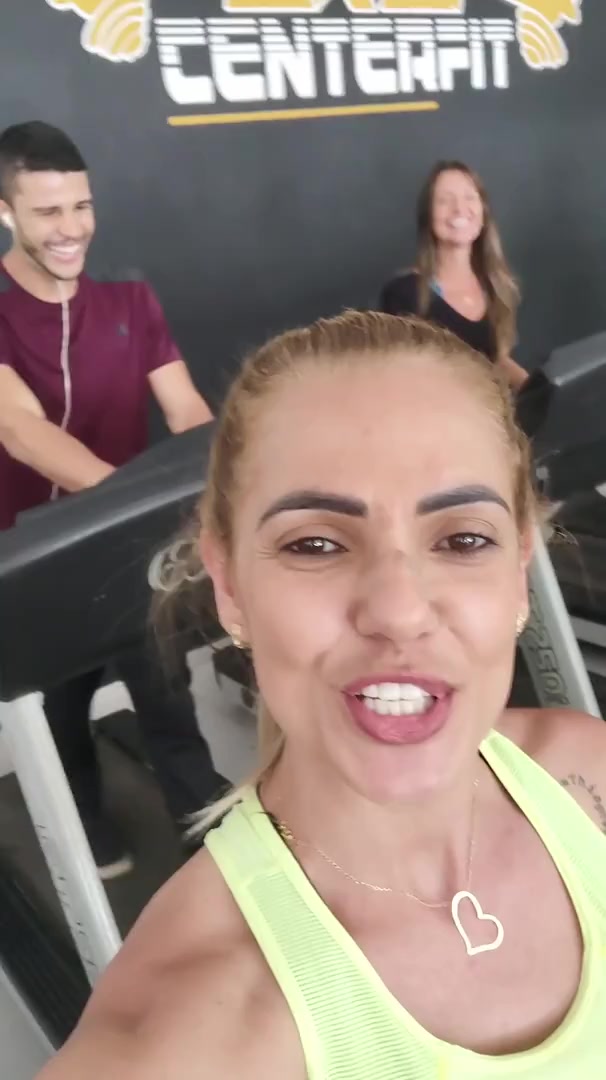
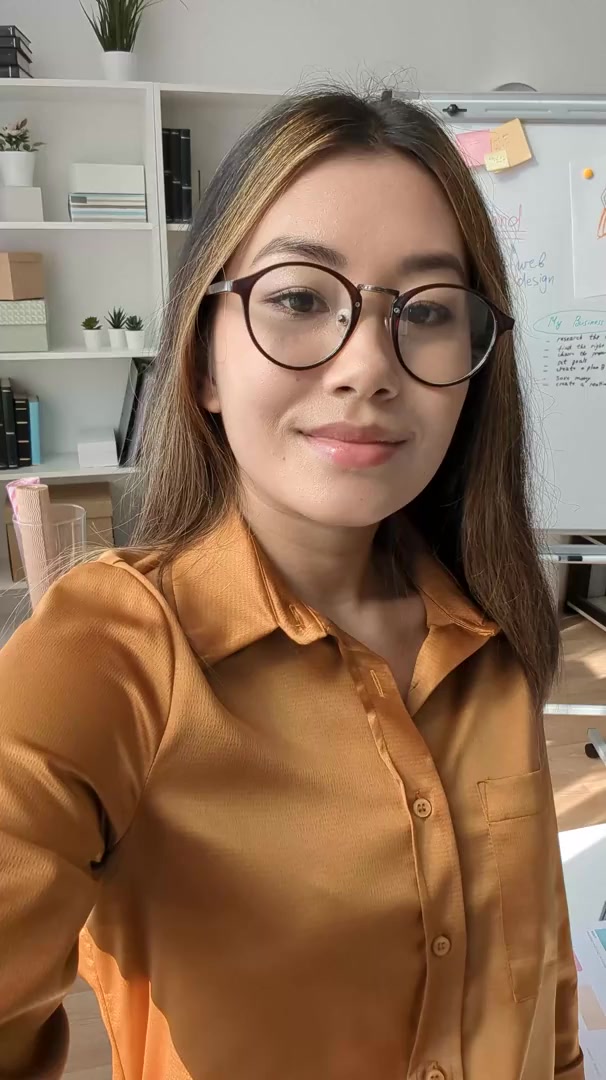
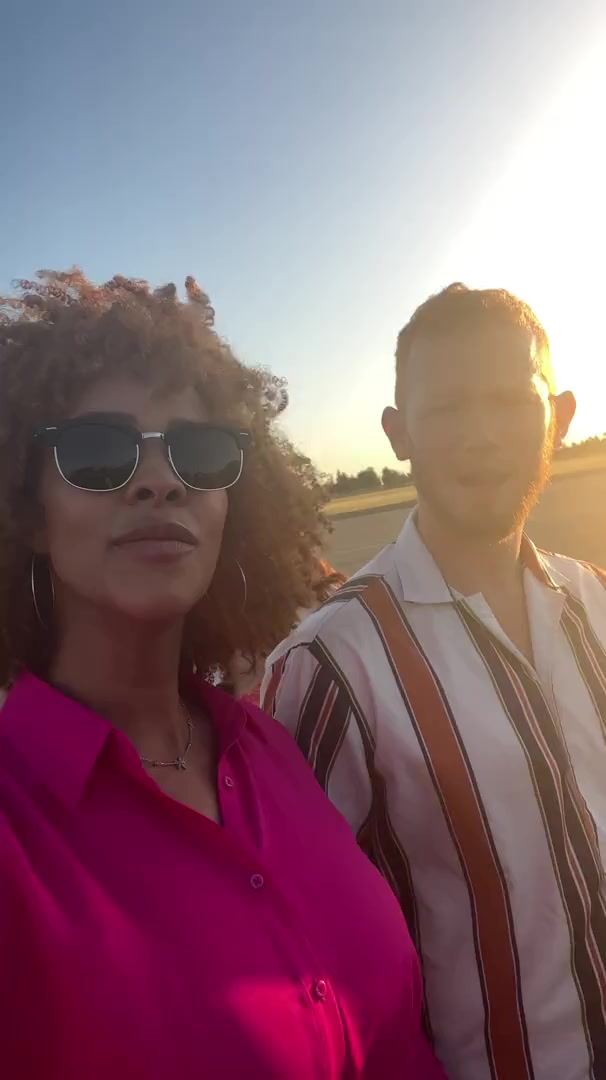
Genera anuncios UGC de aspecto auténtico que convierten. Crea contenido de estilo generado por usuarios para tu marca sin contratar creadores.

Tu Guión de Video
💡 usa un enlace a un tweet, publicación de LinkedIn o entrada de blog y recuperaremos mágicamente el contenido
mostrar ayuda
Número de palabras: 0
Duración estimada del video: 0 segundos
Seleccionar un Video de Fondo
Satisfactorio
UGC
Subway S.
Minecraft
Fortnite
Trackmania
Espacio
Abstracto
thumbnail
thumbnail
thumbnail
thumbnail
thumbnail
thumbnail
thumbnail
thumbnail
thumbnail
thumbnail
thumbnail
thumbnail
thumbnail
thumbnail
thumbnail
thumbnail
thumbnail
thumbnail
thumbnail
thumbnail
thumbnail
thumbnail
thumbnail
thumbnail
thumbnail
Selecciona Voz o Grábate
Loading...
Want to create/clone a custom voice or add one from ElevenLabs?

959 personas usaron esta herramienta en las últimas 24h
Comienza gratis.(no requiere tarjeta de crédito)

o explora nuestras más de 42 herramientas para crear el video exacto que deseas

Explorar herramientas

How to Turn Music into Video in 3 Simple Steps

1 Upload your music track

Start by uploading your audio file to our Music to Video converter. We support various audio formats including MP3, WAV, and more. Our AI will analyze your track's rhythm, tempo, and energy to create a perfectly synchronized video.

2 Choose your visual style

Select from multiple visual options to match your music's vibe. Choose between stock videos, AI-generated visuals, or moving AI images. You can also enable the sound wave visualization to add a dynamic audio element that pulses with your music's beat.

3 Generate and customize

Click 'Generate Video' and watch as our AI transforms your music into a stunning visual experience. Once created, use our built-in editor to add your personal touch - adjust timing, add text overlays, or fine-tune the visuals to perfectly match your music's mood and message.

Herramientas

Herramientas Gratuitas de Video con IA

Elige la herramienta adecuada, proporciona tu entrada, y crearás un video en poco tiempo - personalízalo como quieras.

Generador de Videos TikTok con IA

Convierte texto instantáneamente en videos virales y tendencia para TikTok

Pruébalo

Añadir Subtítulos al Video

Genera subtítulos en más de 100 idiomas con IA

Pruébalo

PDF a Video Brainrot

Convierte PDFs en videos virales con desplazamiento que captan la atención instantáneamente

Pruébalo

Texto a Video Brainrot

Crea contenido viral con desplazamiento y efectos visuales cautivadores a partir de texto

Pruébalo

Creador de Clips de YouTube

Convierte videos de Youtube en contenido breve y digerible

Pruébalo

Avatar Parlante con IA

Crea avatares parlantes realistas a partir de texto en segundos

Pruébalo

Generador de Video Podcasts

Transforma tus podcasts en contenido de video visualmente atractivo

Pruébalo

Creador de Películas con IA

Crea videos con calidad de estudio a partir de texto, sin necesidad de filmación

Pruébalo

Audio a Video

Crea videos atractivos a partir de tus podcasts, entrevistas u otros contenidos de audio

Pruébalo
Ver todas las herramientas
Cómo funciona

Cuatro Pasos Fáciles Para Crear y Compartir Tu Historia

1

Inspírate con contenido viral

¿Buscas ideas para historias? Nuestra IA encuentra contenido tendencia y te ayuda a transformarlo en tus propios videos - sin prueba y error.

  • Descubre qué tipos de historias funcionan ahora mismo
  • Obtén inspiración de creadores exitosos
  • Convierte tus ideas en historias que la gente quiere escuchar
Inspírate con contenido viral
2

Narración para Atrapar a tu Audiencia

Revid.ai entiende lo que hace que los videos se vuelvan virales y usa los mismos métodos probados para escribir guiones para ti.

  • Escribe tu guión o dile a nuestra IA de qué quieres hablar
  • La IA encontrará contenido relevante para inspirarte
  • Añade cualquier enlace y será automáticamente analizado y formateado para un video
Narración para Atrapar a tu Audiencia
3

Videos Que AMARÁS Ver

Crea videos perfectos, compártelos al instante y haz crecer tu negocio.

  • Observa cómo tus palabras se convierten en un video profesional
  • Configura la creación automática de videos a partir de tu contenido
Videos Que AMARÁS Ver
4

Publica en TikTok, YouTube, Instagram y más...

Alcanza una audiencia más amplia compartiendo tu video en tus plataformas sociales favoritas

    Publica en TikTok, YouTube, Instagram y más...
    revid.ai logo

    Tu atajo hacia la narración de video sin esfuerzo.

    FAQs

    Preguntas Frecuentes

    What is the Music to Video converter?
    Our Music to Video converter is an AI-powered tool that transforms your audio tracks into captivating visual content. Simply upload your music, and our technology analyzes the audio patterns to create synchronized visuals that complement your track. Whether you're a musician wanting to share your latest creation on social media, a content creator needing background visuals, or a marketer looking to enhance your brand's audio content, this tool helps you create professional-quality music videos in minutes without any technical expertise.
    What types of music files can I upload?
    Our Music to Video converter supports all common audio formats including MP3, WAV, AAC, FLAC, and OGG files. The maximum file size is 50MB, which accommodates most songs and audio tracks. For optimal results, we recommend using high-quality audio files with clear sound and minimal background noise. This ensures our AI can accurately analyze the audio patterns and create perfectly synchronized visuals.
    How does the AI create videos from my music?
    Our advanced AI analyzes various aspects of your music including rhythm, tempo, frequency, and emotional tone. It then selects and synchronizes visual elements that complement these audio characteristics. For example, upbeat sections might trigger more energetic visuals, while slower passages could generate calmer scenes. The AI also identifies key moments in your track to create visual transitions and effects that enhance the listening experience. This technology ensures each video uniquely reflects your music's individual character and mood.
    What visual styles can I choose from?
    We offer three distinct visual styles to match your creative vision. 'Stock videos' uses high-quality footage from our extensive library, selected to match your music's mood. 'AI-generated videos' creates unique visuals specifically for your track (uses 1 additional credit). 'Moving AI images' produces animated still images that evolve with your music. Each option can be further enhanced with our sound wave visualization feature, which adds a dynamic audio waveform that pulses in perfect sync with your music's beat.
    How long can my music track be?
    While there's no strict limit on track length, we recommend uploads between 30 seconds and 5 minutes for optimal results and reasonable processing times. Longer tracks will use more credits and take longer to process. For tracks exceeding 5 minutes, consider selecting the most impactful section of your music to convert. Remember that shorter videos often perform better on social media platforms, where viewer attention spans are limited.
    What is the sound wave visualization feature?
    The sound wave visualization is a dynamic visual element that displays your audio's waveform in the video. It pulses and moves in perfect synchronization with your music, creating a professional audio-visual experience that emphasizes the rhythm and energy of your track. This feature is particularly effective for electronic music, DJ mixes, podcasts, and any content where you want to highlight the audio component. You can toggle this feature on or off depending on your creative preferences.
    How many credits does it cost to create a music video?
    Creating a basic music video with stock footage or moving AI images costs 1 credit for tracks up to 2 minutes, with additional credits for longer tracks. Choosing the AI-generated video option requires 1 additional credit as it creates completely unique visuals tailored to your music. The exact credit cost will be displayed before you confirm generation, and depends on your selected options and track length. Check our pricing page for information about credit packages and subscription plans.
    Can I edit the video after it's generated?
    Absolutely! Once your music video is generated, you'll have access to our comprehensive video editor where you can make various adjustments. Add text overlays, trim sections, adjust visual effects, change transitions, or modify the sound wave appearance. You can also adjust the timing of visual elements to perfectly match specific moments in your music. This editing capability ensures you can personalize your video and achieve exactly the look and feel you want.
    What aspect ratio should I use for my music video?
    We offer the popular 9:16 vertical format, which is ideal for platforms like TikTok, Instagram Reels, and YouTube Shorts. This vertical orientation maximizes screen space on mobile devices, where most music content is consumed today. If you need a different aspect ratio for specific platforms, you can adjust this in our editor after generation. Consider your target platform and audience when selecting the aspect ratio for optimal viewing experience.
    How can I use the videos I create with this tool?
    The videos you create with our Music to Video converter can be used in numerous ways: share your music on social media platforms like TikTok, Instagram, or YouTube; create visualizers for streaming services; enhance podcast episodes with visual elements; develop engaging content for music promotion; create background visuals for live performances; or produce atmospheric videos for websites and digital displays. All videos are downloadable in high quality and ready to use immediately across any platform or device.
    Do I need to credit Revid AI when using my music videos?
    No, you don't need to provide attribution for videos created with our tool. Once generated, the videos are yours to use as you wish for both personal and commercial purposes. However, if you're using the stock video option, remember that while we provide usage rights for the footage within our platform, extremely commercial uses (like major advertising campaigns) might require additional licensing depending on the specific footage. For most users and typical usage scenarios, no additional licensing or attribution is required.
    Is my uploaded music kept private?
    We take your privacy seriously. Your uploaded music tracks are processed securely and are not shared with other users or third parties. We do not claim ownership of your audio content, and your files are stored only as long as needed to create and provide your video. For complete details about how we handle your data, please refer to our Privacy Policy. Rest assured that your creative work remains your property throughout the entire process.